My Sister Got the iPad 10th Gen from Croma — Here's Why I Think It's the Smartest iPad Purchase in 2025
My younger sister started her second year of B.Com at a college in Pune this year, and she'd been bugging me about getting an iPad since forever. "Didi has one, Priya has one, everyone in my class takes notes on iPad, I'm the only one using paper like it's 2005." Classic guilt trip, right? But the thing is, she wasn't wrong. A lot of college students truly benefit from having a tablet for notes, PDFs, and studying. The problem was always the price. Apple doesn't exactly make budget-friendly products, and my parents weren't about to spend a lakh on an iPad Pro for a B.Com student.
Then I spotted the iPad 10th Generation at Rs 34,999 on Croma. The MRP is Rs 44,900, so that's nearly Rs 10,000 off — a straight 22% discount. And here's where it got better: my dad has an HDFC Bank credit card, and Croma was running an additional Rs 2,000 instant discount for HDFC cardholders. So the actual price came down to Rs 32,999. For an iPad. With USB-C. And a modern design. Under 33K. I called my parents that evening and said, "Buy it now, this price won't last."
They picked it up from the Croma store at Phoenix Marketcity in Pune the next day. My sister has been using it for about two months now, and I've spent a fair bit of time with it during my visits home. So this isn't just me reading specs off a website — I've actually lived with this iPad, used it extensively, and I have genuine opinions. Some good, some not so much.
The Design — Finally, It Looks Like a Modern iPad
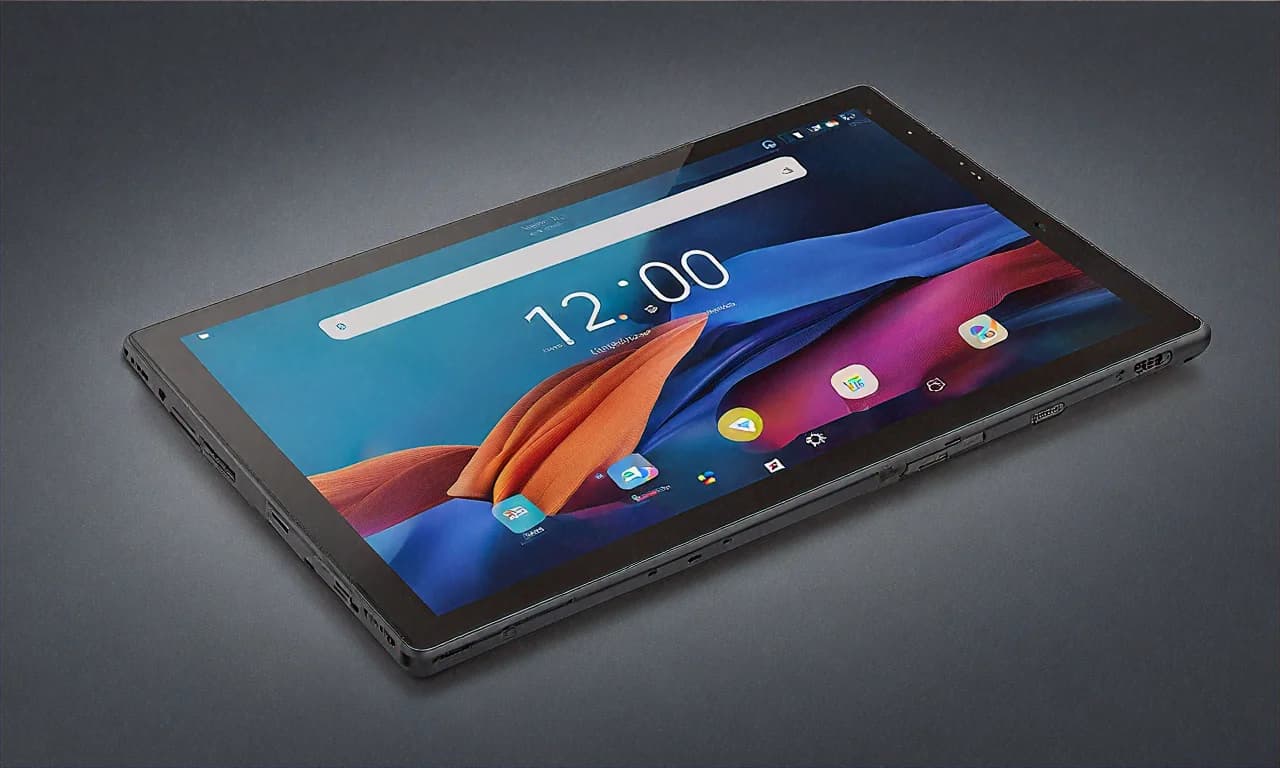
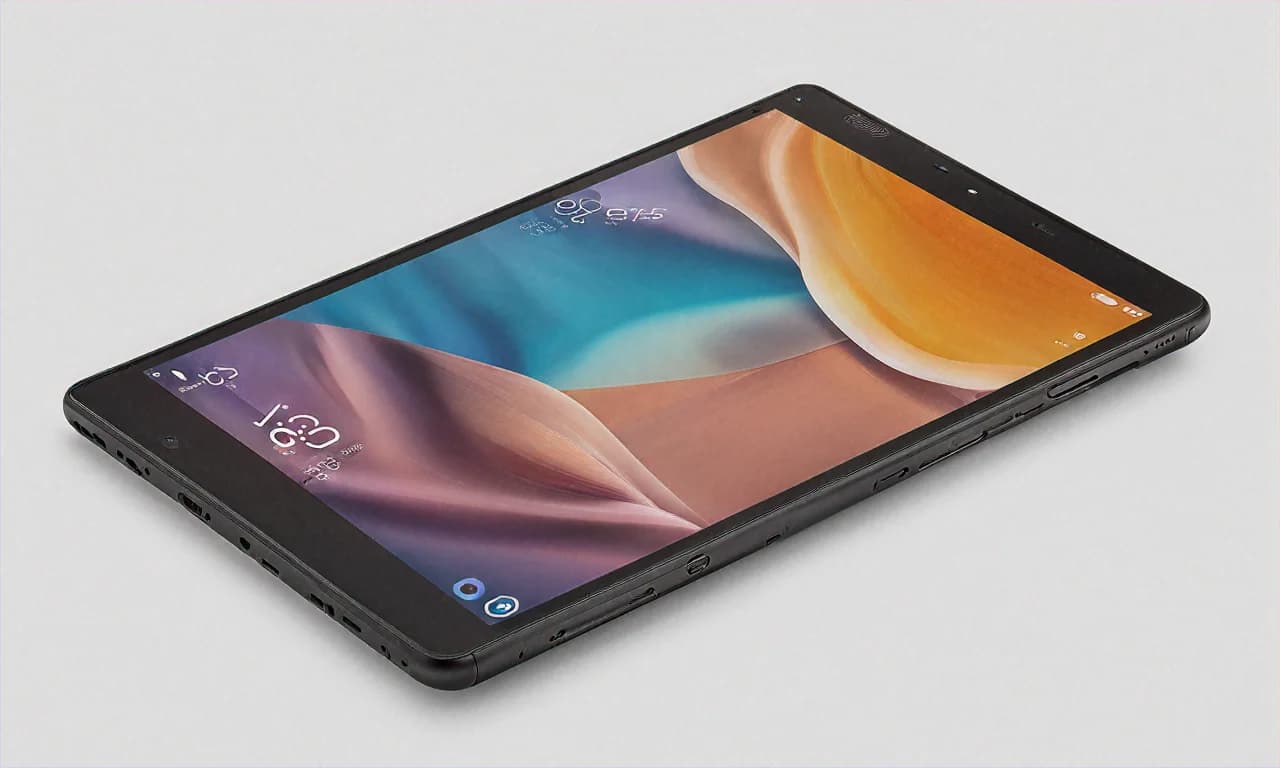
If you've seen the older 9th Gen iPad with its thick bezels and Home button, you know what I mean when I say the 10th Gen is a huge visual upgrade. The bezels are slimmer (not iPad Pro slim, but way better than before), the Home button is gone, and you get a flat-edge design that matches the rest of Apple's current lineup. It actually looks like a premium device now, not like something from 2017.
The aluminium unibody feels exactly like what you'd expect from Apple — solid, no creaking, no flex, cool to the touch. At 477 grams, it's light enough to hold with one hand for a while, though I wouldn't want to do it for more than 20-30 minutes straight. My sister mostly uses it propped up on her desk or lying on her bed, so weight isn't really a factor for her.
It comes in four colours — Blue, Pink, Yellow, and Silver. My sister got the Blue one. It's this nice muted blue, not flashy or childish. Looks great with a clear case. And since I know someone's going to ask — yes, it picks up fingerprints like crazy. You'll be wiping the back constantly if you care about that sort of thing. My sister doesn't. She has stickers all over the back anyway.
The move to USB-C is actually a big deal if you're upgrading from an older iPad. No more hunting for a Lightning cable that only works with your iPad and nothing else. My sister charges her iPad, her MacBook, and her friend's Samsung phone all with the same cable now. The USB-C port also means you can connect external drives, which is handy for transferring large files. She dumps her college lecture recordings onto the iPad from a USB drive — much faster than AirDropping or uploading to the cloud.
The Display — Good Enough, With One Complaint
The 10.9-inch Liquid Retina display is nice. Let me just say that upfront. 2360 x 1640 resolution, 264 PPI, True Tone support, 500 nits brightness. Text is sharp, colours look accurate, and the True Tone feature adjusts the white balance based on your surroundings so it doesn't look overly blue in warm lighting. My sister reads a lot of PDFs and eBooks on it, and she says her eyes don't get tired even after a couple of hours. That's partly the display and partly the size — reading on a 10.9-inch screen is way more comfortable than squinting at a 6.7-inch phone.
The anti-reflective coating works reasonably well. I used it near a window with afternoon sunlight coming in, and while I could see some reflections, the screen was still perfectly usable. Not as good as the nano-texture option Apple offers on the Pro models, obviously, but those cost like two and a half times more, so it's not a fair comparison.
Now, the complaint. It's 60Hz. In 2025. On a device that costs Rs 35,000. I know Apple does this on purpose to differentiate the base iPad from the Pro and Air models, but it's still annoying. When you swipe between home screens or scroll through long web pages, there's a visible difference compared to any 120Hz device. My sister doesn't notice it because her phone is also 60Hz (she's got an older iPhone SE), but I noticed it immediately because I'm coming from a 120Hz Android phone. It's not a dealbreaker by any means. It's just... come on, Apple. Even Rs 15,000 Android phones have 120Hz now. You can do better.
The screen isn't laminated either, meaning there's a tiny air gap between the glass and the display panel. You can see this if you look at the screen from an angle — there's a slight separation. It also means that when you use the Apple Pencil, it feels like you're writing slightly above the screen rather than directly on it. Again, not a huge deal for most people, but if you're coming from an iPad Air or Pro with a laminated display, you'll notice the difference.
Performance — The A14 Bionic in 2025
The iPad 10th Gen runs on Apple's A14 Bionic chip with 4GB of RAM. Now, the A14 is a chip from 2020. That sounds old. But here's the thing about Apple's chips — they age really, really well because Apple controls both the hardware and the software. The A14 Bionic, even in 2025, runs iPadOS 18 smoothly. There's no lag opening apps, multitasking with Split View works fine, and even moderately demanding apps like Procreate and LumaFusion run without issues.
My sister's daily usage looks like this: GoodNotes for college notes, Chrome and Safari for research, WhatsApp, Instagram (of course), YouTube for lecture videos, Netflix and Disney+ Hotstar for entertainment, and occasionally Canva for making presentation slides. The iPad handles all of this without a hiccup. Not once in two months has she complained about it being slow. Not once.
I tried pushing it a bit harder. Opened about 12 Safari tabs, then switched to Procreate with a multi-layer project, then opened a heavy PDF in GoodNotes. The iPad handled the switching well, though I did notice that a couple of the Safari tabs reloaded when I went back to them. That's the 4GB RAM limitation showing up. If you're someone who keeps 20+ tabs open and jumps between heavy apps constantly, you might see occasional background app refreshes. For normal, human usage? Not an issue.
Gaming works surprisingly well too. I installed Asphalt 9 and it runs on high settings at a consistent frame rate. Genshin Impact runs on medium settings without dropping frames too badly. My sister's not a gamer, but her younger cousin tried playing BGMI on it when he visited and seemed happy enough. Again, this is a 2020 chip in 2025 — it's not going to match the M4 in an iPad Pro. But for casual gaming and everyday tasks, it's more than capable.
The real question is longevity. How many more years of iPadOS updates will the A14 get? Apple typically supports their devices for 5-6 years minimum. The A14 debuted in 2020, so by Apple's track record, it should get updates until at least 2026-2027. Maybe even 2028 if Apple is generous. That's still a couple more years of full software support, which is pretty good for a device you're buying at a 22% discount.
iPadOS and the App Situation
This is honestly the single biggest reason to buy an iPad over an Android tablet. I've used plenty of Android tablets — Samsung, Xiaomi, OnePlus, Lenovo — and the app situation on Android tablets is still not great. A lot of apps just stretch their phone layout onto the bigger screen. Instagram on Android tablets? It's just a blown-up phone app. WhatsApp on Android tablets? Only recently started supporting it properly.
On iPad, most major apps are actually designed for the tablet. Instagram has a proper tablet layout. Procreate is iPad-only and it's the best drawing app on any platform. GoodNotes, Notability — these note-taking apps are incredible on iPad. Microsoft Office apps on iPad are genuinely usable for real work. Even banking apps like HDFC, SBI, and ICICI have decent iPad versions. My sister uses the HDFC PayZapp and Google Pay — both work perfectly.
iPadOS 18 brought a few nice additions. The new Calculator app (yes, the iPad finally got a calculator) is actually pretty well-designed with a handwriting feature using Apple Pencil. The customizable Control Center is handy. And Stage Manager, while still not perfect, gives you some window management capabilities if you want to use the iPad more like a laptop.
Split View multitasking is something my sister uses constantly. She'll have her lecture notes open on one side and a textbook PDF on the other. Or Chrome on one side with research and Google Docs on the other for writing assignments. On the 10.9-inch screen, both sides are large enough to be usable, though it does feel a bit cramped sometimes compared to doing the same thing on a 12.9-inch iPad Pro. But for a student? It works well.
The Camera — And the Smart Space Placement
Nobody buys a tablet for the camera. I'll say it every time. But the 12MP rear camera on the iPad 10th Gen is decent for what you'd use a tablet camera for — scanning documents, taking photos of whiteboards in lectures, quick snaps of notes. It's not going to replace your phone camera, but it's perfectly adequate for utility purposes.
The front camera is where Apple did something smart. They moved it to the space edge of the iPad, which means when you hold the iPad horizontally for a video call, the camera is centered at the top. This makes video calls on Zoom, Google Meet, and FaceTime look so much better — you're looking at the camera naturally instead of off to the side. My sister does online tutoring calls twice a week and she says people have commented that her video looks much better since she switched from her phone to the iPad. It's a 12MP Ultra Wide camera with Center Stage, which automatically keeps you in the frame even if you move around. Really useful feature.
Battery Life and Charging
Apple rates the iPad 10th Gen at 10 hours of battery life, and in my experience, that's pretty accurate. My sister typically gets through a full day of college use — about 5-6 hours of active use with note-taking, browsing, and some YouTube — and comes home with 30-40% battery left. On days when she's binge-watching shows, it lasts about 8-9 hours of continuous streaming before dying. That's with brightness at around 50-60% and Wi-Fi on.
Charging is via the included 20W USB-C adapter. A full charge from zero takes about 2.5 hours. Not the fastest, but not terrible. My sister usually plugs it in before sleeping and it's at 100% by morning. She's never been in a situation where she needed it to charge faster than that. If you're buying this for travel, just remember to charge it the night before and you'll be fine for any domestic flight or a decent train ride.
The 64GB Storage Problem
Okay, this is my biggest genuine criticism of this iPad. The base model comes with 64GB of storage. In 2025. For Rs 35,000. Apple, really?
My sister hit 80% storage within a month. And she's not even a heavy user. Between iPadOS itself (which takes about 15GB), a handful of apps, her GoodNotes notebooks, some downloaded Netflix shows, and a few hundred photos, she was already at 50GB. I'd to sit down with her and optimize — offload unused apps, move photos to iCloud, delete Netflix downloads after watching. It's manageable, but it's annoying. You shouldn't have to manage storage on a device you just bought.
The 256GB variant costs Rs 49,900 at full price, which is a Rs 15,000 jump just for more storage. Even with Croma's discount, it would be around Rs 40,000+. That's a lot more. And there's no microSD card slot because Apple doesn't believe in expandable storage. So you're stuck with what you buy.
My advice: if you can stretch your budget, get the 256GB model. If you can't, the 64GB model works but you'll need to be mindful about storage. Use iCloud for photos (the free 5GB is useless — get at least the Rs 75/month 50GB plan), stream content instead of downloading, and periodically clean up your apps. It's doable but it's a compromise you shouldn't have to make at this price.
The Apple Pencil Situation — It's Complicated
So the iPad 10th Gen supports the Apple Pencil 1st Generation. But — and this is legitimately confusing — the original Apple Pencil 1st Gen charges via Lightning. This iPad has USB-C. So Apple made a USB-C version of the Apple Pencil 1st Gen specifically for this iPad. It's Rs 8,900. There's also the Apple Pencil USB-C, which is a newer, slightly cheaper option at Rs 7,900 but lacks pressure sensitivity.
If you want pressure sensitivity for drawing or handwriting that varies with pressure, get the Apple Pencil 1st Gen (USB-C). If you just want a basic stylus for note-taking, the Apple Pencil USB-C works fine. Either way, it's an additional Rs 8,000-9,000 on top of the tablet's price. And no, the Apple Pencil 2nd Gen and Apple Pencil Pro don't work with this iPad. Because Apple loves making accessories confusing.
My sister got the Apple Pencil USB-C (the Rs 7,900 one) and she's happy with it. She uses it for handwriting notes in GoodNotes, highlighting PDFs, and annotating slides. The lack of pressure sensitivity doesn't bother her because she's not drawing — she's writing. The latency is low enough that writing feels natural, and the tip has a nice paper-like friction on the screen. She bought a paper-feel screen protector from Amazon for Rs 400 and says it feels even better now.
The Croma Deal — Full Breakdown
Let me lay out exactly what you're getting at Croma because the deal is better than just the headline price.
- MRP: Rs 44,900
- Croma Price: Rs 34,999 (Rs 9,901 off — 22% discount)
- HDFC Bank Instant Discount: Rs 2,000 (credit and debit cards both eligible)
- Effective Price with HDFC: Rs 32,999
- No-Cost EMI: Available up to 12 months (Rs 2,917/month with HDFC, or Rs 4,167/month for 6 months with other banks)
- Croma Free Screen Replacement: 1 year of accidental screen damage protection included
- Croma App Coupon: Check for an extra Rs 500 discount if you order through the Croma app
The free screen replacement warranty from Croma is something I don't see people talk about enough. If you crack the screen within a year — which happens, especially if it's a student's daily device — Croma will replace it for free. That's easily worth Rs 8,000-10,000 if you ever need it. Apple's own screen repair outside warranty costs a fortune. So this Croma-specific benefit is really valuable.
Now, is it cheaper on Amazon or Flipkart? I checked. Amazon had it at Rs 36,499 at the time of writing. Flipkart was at Rs 35,499. Neither had the free screen replacement perk or the Rs 2,000 HDFC discount. So Croma is genuinely the best deal for this iPad right now, especially if you have an HDFC card.
iPad 10th Gen vs Android Alternatives
At Rs 35,000, your Android alternatives include the Samsung Galaxy Tab S9 FE (around Rs 30,000-33,000 on sale), the OnePlus Pad 2 (Rs 32,000), and the Xiaomi Pad 7 (Rs 22,000). On paper, all three Android tablets have better specs — higher refresh rates, more storage, better chipsets in some cases. The OnePlus Pad 2 has a 144Hz display and a Snapdragon 8 Gen 3. The Samsung Tab S9 FE has an AMOLED-like display and included S Pen.
But here's what the spec sheet doesn't tell you. iPadOS app quality is significantly better than Android tablet apps. The iPad will get software updates for the next 3-4 years minimum. Apple's resale value is unmatched — my sister can probably sell this iPad for Rs 20,000-22,000 even after 2-3 years of use. An equivalent Android tablet would sell for maybe Rs 10,000-12,000 in the same time frame. And the accessory market for iPads — cases, keyboards, screen protectors — is massive and well-supported.
If raw specs and value-for-money is your only metric, yes, the Android tablets win on paper. But if you factor in software quality, long-term updates, resale value, and the overall user experience, the iPad 10th Gen at Rs 32,999 (with HDFC discount) is very competitive. Especially for students and people already in the Apple world with an iPhone and a Mac.
Who Should Buy This?
- College students — Note-taking with Apple Pencil, PDF reading, research, and some entertainment. This covers 90% of student tablet needs.
- First-time iPad buyers — If you've never had an iPad and want to see what the fuss is about, this is the cheapest entry point with a modern design.
- Parents buying for kids — iPadOS parental controls are excellent, the build is sturdy, and there are tons of educational apps optimized for iPad.
- People in the Apple world — If you already have an iPhone and Mac, the iPad syncs with everything through Handoff, AirDrop, Universal Clipboard, and Sidecar.
Who Should Look Elsewhere?
- People who need lots of storage — 64GB is tight. If you can't afford the 256GB model, consider an Android tablet with expandable storage.
- Heavy multitaskers — The 4GB RAM and A14 chip will show their age if you push the iPad hard with many apps and heavy workflows.
- People who want the best display — 60Hz, non-laminated LCD in 2025 is behind what Samsung and OnePlus offer at this price.
- Gamers — It handles casual games fine, but for heavy mobile gaming, an Android tablet with a newer Snapdragon chip will give you better frame rates.
My sister's happy. And honestly, that's the best endorsement I can give. She uses this iPad every single day — for college, for entertainment, for video calls with me. It works reliably, it looks good, the Apple Pencil experience is great for notes, and the battery lasts through her day without any anxiety. The 64GB storage is the one thing that annoys both of us, and the 60Hz display feels behind the times. But at Rs 32,999 with the HDFC discount at Croma, with that free screen replacement thrown in? It's hard to argue against it as the most sensible iPad purchase you can make in India right now. Not the most exciting, not the most powerful, but the most sensible. Sometimes that's exactly what you need.