I Bought the Lenovo Tab P12 for My Dad — And Now I Want One for Myself
So here's what happened. My dad retired last year — he was working at a government office in Lucknow for like 30+ years — and all of a sudden he had nothing to do. He'd just sit around watching TV, which honestly was driving my mom crazy. She called me one evening and said, "Beta, get your father some gadget to keep him busy, he's watching the same Aaj Tak debate for the third time today." And I thought, okay, a tablet makes sense. Something with a big screen so he doesn't squint, something simple enough that he won't call me every two hours asking how to close an app.
I looked at a bunch of options. The Samsung Galaxy Tab S9 FE was tempting but felt overpriced for what my dad needed. The Xiaomi Pad 7 was too small at 11 inches. Then I saw the Lenovo Tab P12 at Rs 24,999 on Flipkart — down from Rs 32,999 — and that 12.7-inch screen just caught my eye. A 12.7-inch tablet with a stylus included in the box for under 25K? That sounded almost too good. I ordered it during the Flipkart sale, got an extra Rs 1,250 off with my ICICI credit card, and honestly, what arrived has been a pleasant surprise.
I set it up for my dad over a weekend visit, and within a week, the man who couldn't figure out how to forward a WhatsApp message was suddenly reading newspapers on it, watching YouTube cooking videos, and even trying to sketch with the stylus. But more on that later. Let me break down what this tablet actually offers and whether it's right for you — because I think this is one of the most underrated tablets in India right now.
That 12.7-Inch Display Is Honestly Massive
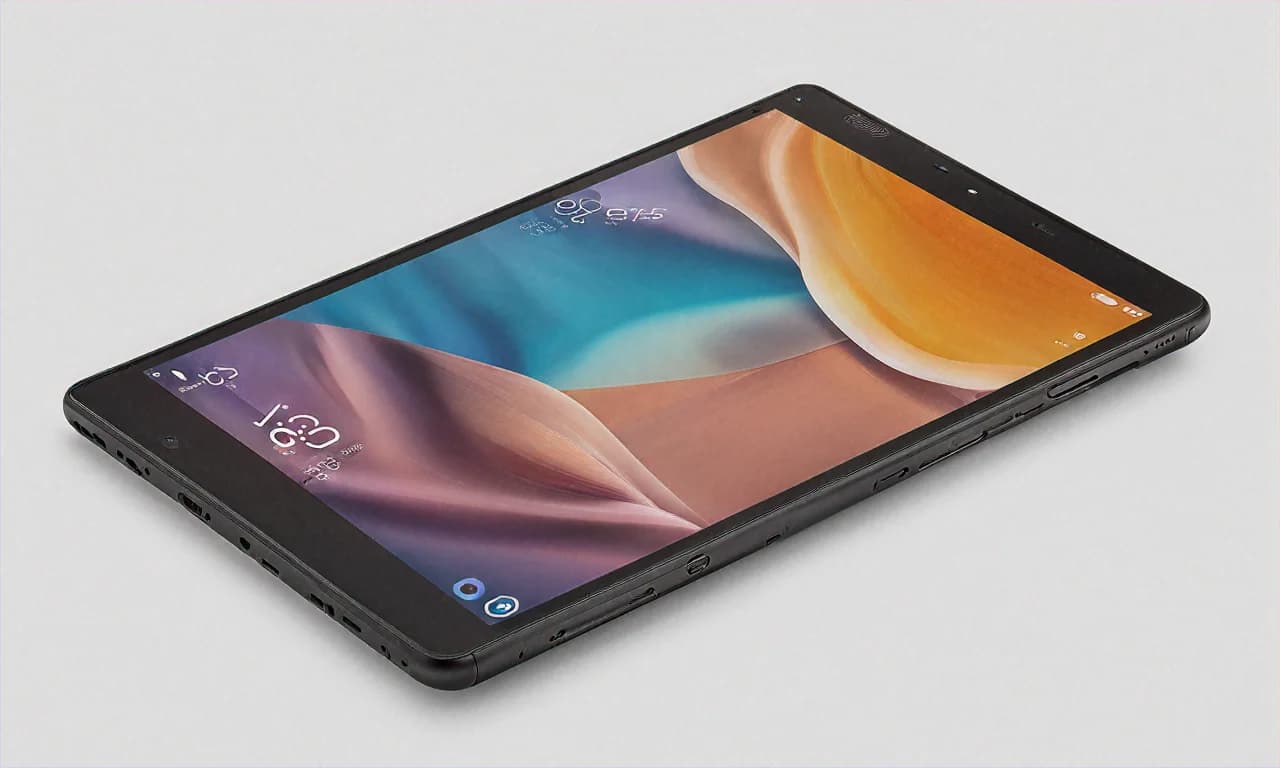
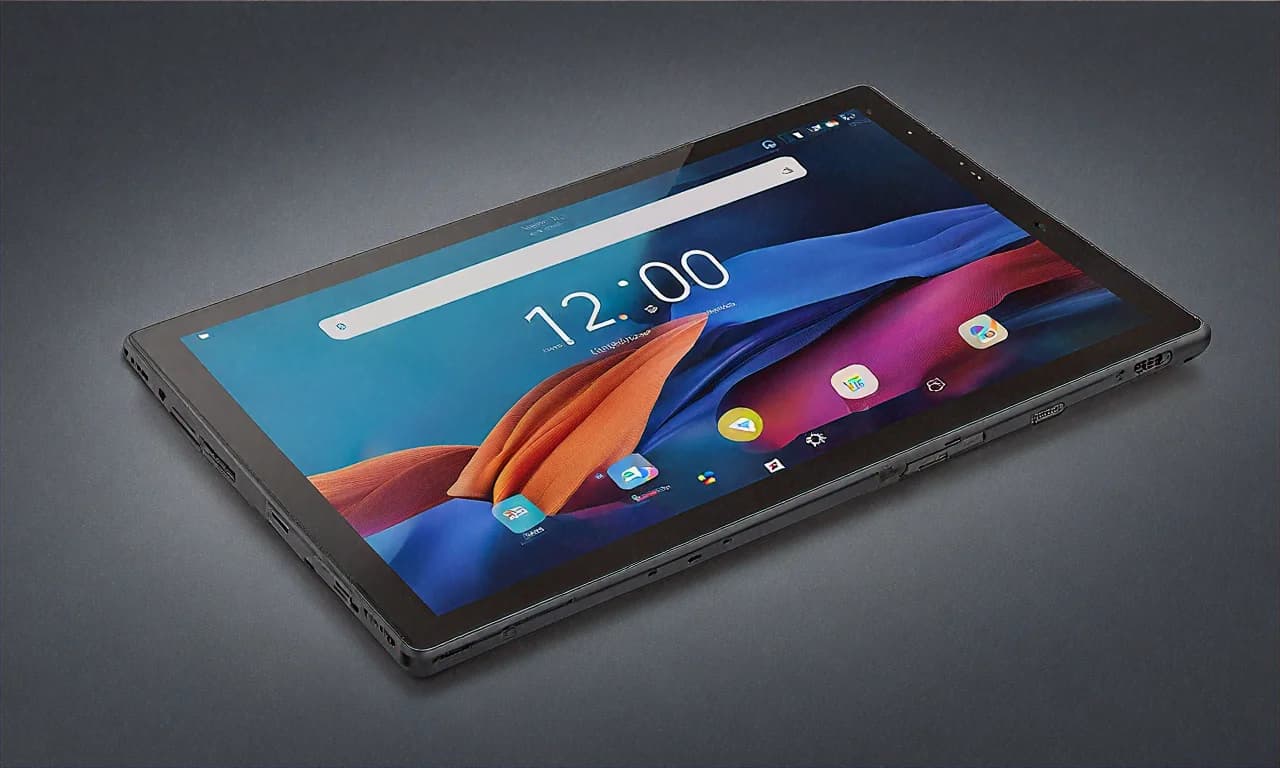
Let me put this in perspective. Most tablets in the 20-30K range give you 10 to 11 inches. The iPad 10th Gen? 10.9 inches. Samsung Tab S9 FE? 10.9 inches. The OnePlus Pad 2? 12.1 inches but costs Rs 32,000. The Lenovo Tab P12 gives you 12.7 inches at Rs 24,999. That's basically a small laptop screen. When I unboxed it and held it up next to my dad's old 10-inch Samsung tablet, the difference was almost comical. It looked like I was comparing a notebook to a magazine.
Now, the resolution is 2944 x 1840 pixels, which Lenovo calls a "3K" display. It's sharp. Text looks clean whether you're reading The Hindu online or scrolling through a PDF. The pixel density works out to about 274 PPI, which is more than enough for comfortable reading even when you bring the screen close. My dad reads a lot of Hindi news sites and the Devanagari script looks perfectly crisp — no jagged edges on the matras or anything like that.
The aspect ratio is 3:2, and this is actually a big deal if you care about productivity. Most tablets use a 16:10 widescreen ratio which is great for movies but kind of awkward for documents and web browsing — you end up with a lot of horizontal space and not enough vertical. The 3:2 ratio on the Tab P12 is much closer to a sheet of paper. So when you're reading PDFs, working in Google Docs, or just browsing websites, you see more content without scrolling. It's the same ratio Microsoft uses on the Surface Pro, and there's a good reason for that.
Now, I've to be honest about the downsides. The brightness tops out at about 400 nits, which is fine indoors but not great if you want to use it in the balcony on a sunny afternoon. I tried reading on it in my parents' courtyard around noon and it was a struggle. You can see the screen, but you're squinting and cranking brightness to max. The 60Hz refresh rate is also noticeable if you're coming from a phone with 120Hz. Scrolling doesn't feel buttery — it feels... fine. Just fine. For my dad it doesn't matter at all, but if you're someone who's gotten used to high refresh rate phones, you'll notice the difference when swiping through apps.
The Dolby Vision HDR support is a nice touch though. It makes a visible difference when you're watching content that supports it on Netflix or Amazon Prime. The colours pop a bit more, there's slightly better contrast in dark scenes. Is it as good as an OLED? Absolutely not. But for an IPS LCD panel at this price, I'm not complaining.
Performance — The MediaTek Dimensity 7050 Story
Okay, let's talk about the chipset. The Lenovo Tab P12 runs on the MediaTek Dimensity 7050 with 8GB of RAM. Now, I know some of you just made a face when you read "MediaTek." I get it. There's still this lingering bias from the old days when MediaTek chips were truly terrible — overheating, laggy, poor GPS. But honestly? MediaTek has gotten really good in the mid-range. The Dimensity 7050 is a solid chip.
For everyday tasks — opening apps, switching between Chrome tabs, watching YouTube, video calling on Google Meet — the Tab P12 handles everything without breaking a sweat. My dad typically has WhatsApp, Chrome with 3-4 tabs, YouTube, and a Hindi news app open simultaneously. Zero issues. No lag, no app refreshing in the background, no random restarts. It just works. And 8GB of RAM gives it enough headroom to keep things in memory.
Gaming is where you'll feel the limits. I installed BGMI on it just to test, and it runs but only on medium settings. High settings cause frame drops. If gaming is your primary use case for a tablet, look elsewhere — maybe the OnePlus Pad 2 or save up for the Samsung Galaxy Tab S9 FE+. But let's be real, how many people buy a 12.7-inch tablet primarily for gaming? It's not exactly comfortable to hold a screen this big and play action games. Your arms get tired in about 15 minutes.
One thing I really appreciated was the storage situation. You get 128GB built in, and there's a microSD card slot that supports up to 1TB. In 2025, having expandable storage on a tablet is becoming rare — Apple never offered it, Samsung's dropped it from some models, OnePlus doesn't have it. Lenovo keeping the microSD slot is genuinely useful. My dad has about 40GB of downloaded movies and shows for train journeys (he travels to meet relatives in Varanasi pretty often), and the 128GB base storage would've filled up fast without that SD card slot. I got him a 256GB SanDisk card for Rs 1,500 on Amazon and he's sorted.
The Stylus — And Why Including It in the Box Matters
This is the part that really surprised me. Lenovo includes the Tab Pen Plus right inside the box. No extra purchase needed. For context — Apple charges Rs 11,900 for the Apple Pencil Pro. Samsung includes the S Pen with the Galaxy Tab S9 FE, which is nice, but that tablet costs Rs 30,000+. The OnePlus Pad 2's stylus is sold separately for Rs 5,499. So getting a stylus free with a Rs 24,999 tablet? That's solid value.
The Tab Pen Plus has 4,096 levels of pressure sensitivity. Now, I'm not an artist. I can barely draw a straight line. But my dad — and this is the part that surprised everyone in the family — has started using it to sketch. He used to paint as a hobby back in his college days, and somehow this stylus reignited that interest. He downloaded some free drawing app and now he's sitting in his room making these little space sketches. My mom sent me a photo of one last week and it was actually pretty decent? I mean, for a 62-year-old man who hasn't picked up a brush in 35 years, it was impressive.
For more practical uses, the stylus works great for taking handwritten notes. The pressure sensitivity means your strokes have natural thickness variation — press hard for thick lines, go light for thin ones. It responds well in apps like Nebo, Microsoft OneNote, and the built-in Lenovo Notes app. There's no noticeable lag when writing, though I'll say it doesn't feel quite as responsive as the Apple Pencil. There's maybe a tiny, almost imperceptible delay. You'd only notice it if you used an Apple Pencil right before switching to this. For 99% of people, it's perfectly fine.
The pen attaches magnetically to the side of the tablet for charging and storage. The magnet is decent — not super strong, so it can come off in a bag, but good enough to hold it in place on a desk. It charges fairly quickly too. About 15-20 minutes of attached charging gives you several hours of use. I never saw it run out of battery during normal use patterns.
Speakers and Audio — JBL Did Their Thing
The Lenovo Tab P12 has quad speakers tuned by JBL with Dolby Atmos support. And I'll tell you what, when I first played a song on this tablet, I was actually taken aback. The sound quality is way better than what you'd expect at this price point. There's actual depth to the audio. You can hear bass, not just tinny mids and highs. When my dad watches news debates (which he does way too much, honestly), the voices come through clear and room-filling. He doesn't even need to use external speakers in his bedroom.
For movie watching, the Dolby Atmos creates a noticeable spatial effect. It's not like having a home theatre, obviously, but you can tell when sounds are supposed to come from different directions. I watched about half of Jawan on it — the action sequences sounded legitimately immersive. Again, not matching a good soundbar, but for a tablet? Really impressive.
And this brings up the Widevine L1 certification thing. A lot of budget and mid-range tablets come with Widevine L3, which means Netflix and other streaming apps cap your video quality at 480p. The Tab P12 has Widevine L1, so you get Full HD streaming on Netflix, Amazon Prime Video, Disney+ Hotstar, all of them. On a 12.7-inch screen, the difference between 480p and 1080p is massive. If you're buying a tablet partly for streaming — and let's be honest, most people are — this matters a lot. Check for this before buying any tablet. Seriously. I've seen too many people buy budget tablets and then complain that Netflix looks blurry.
Software and Updates
The Tab P12 runs Android 13 with Lenovo's own skin on top. Now, Lenovo's software isn't as clean as stock Android, but it's not cluttered like some other Chinese brands either. It sits somewhere in the middle. There's some preloaded apps — a Lenovo account thing, some game center that you'll want to uninstall immediately, and a couple of others. But nothing too offensive. No aggressive ads or notification spam, which I've seen on certain Xiaomi and Realme tablets.
The tablet-specific features are actually quite useful. There's a proper split-screen mode that works well on a display this large. You can have Chrome open on one side and a note-taking app on the other, and both windows are big enough to be genuinely usable. There's also a floating window feature where you can have a small app window on top of whatever you're doing — handy for keeping a calculator or messaging app open while you work on something else.
My concern with Lenovo is updates. Historically, Lenovo hasn't been great about keeping their tablets updated with security patches and OS updates. The Tab P12 shipped with Android 13, and as of writing this, it's gotten one major update to Android 14. Whether it'll see Android 15 is uncertain. If long-term software support is a priority for you, this is a genuine weakness compared to Samsung's tablets (which promise 4 years of OS updates) or Apple's iPads (which get updates for 5-7 years typically). For my dad, it doesn't matter — he doesn't even know what Android version he's on. But for younger, more tech-aware buyers, it's worth considering.
Battery Life and Charging
The 10,200mAh battery in this thing lasts long. Like, really long. My dad charges it maybe twice a week with his usage pattern — a few hours of YouTube, some web browsing, newspaper reading, and occasional sketching with the stylus. If you're streaming video non-stop, you'll get about 8-9 hours of screen-on time, which is excellent. I tested it myself during a long train journey from Delhi to Lucknow — started at 100% at Anand Vihar, streamed videos and browsed for the entire 7-hour journey, and still had about 25% left when I reached Charbagh station.
The charging situation is the one area where I'll honestly complain. It comes with a 20W charger. For a 10,200mAh battery. That means a full charge from zero takes roughly 3 hours. Three. Hours. In 2025, when phones with similar battery sizes charge in under an hour, waiting 3 hours for a tablet to charge feels painful. My advice? Just plug it in before bed and forget about it. Don't try to do a quick top-up before heading out — it won't give you much in 20 minutes.
Build Quality and Design
The Tab P12 has a metal back panel that feels solid in hand. At 6.9mm thin and 615 grams, it's not the lightest tablet — you'll feel it if you hold it up for extended reading sessions. But the weight gives it a quality feel. It doesn't creak or flex when you press on the back. The Storm Grey colour looks professional and understated. No flashy branding on the back, just a small Lenovo logo.
One practical note — a 12.7-inch tablet is big. Bigger than you might expect. It doesn't fit comfortably in most bags' tablet pockets, which are designed for 10-11 inch devices. I'd to buy my dad a separate sleeve for it. Just keep that in mind when you're ordering — you might need a new case or sleeve too.
The Deal Breakdown — Flipkart at Rs 24,999
Let me break down the actual cost. The MRP is Rs 32,999. Flipkart's listing price is Rs 24,999, so you're saving Rs 8,000 right off the top. That's a flat 24% discount, and from what I've tracked, this is close to the lowest price this tablet has ever been on Flipkart. During the Big Billion Days last year it briefly touched Rs 23,999 but that sold out in hours.
If you have an ICICI Bank credit card, you get an instant Rs 1,250 discount at checkout, bringing it to Rs 23,749. SBI debit card holders can get 5% cashback up to Rs 750. Flipkart Axis Bank credit card users get 5% unlimited cashback. And if you can't pay upfront, there's no-cost EMI available for 6 months at about Rs 4,167 per month — no extra interest charged.
Now here's the value math that makes this interesting. The included Lenovo Tab Pen Plus, if you were to buy it separately, costs roughly Rs 4,000-5,000. So the effective price of just the tablet — after accounting for the stylus — is around Rs 20,000. A 12.7-inch, 3K resolution tablet with metal build, quad JBL speakers, Dolby Atmos, and expandable storage for 20K. Name another tablet that matches that. I'll wait.
Who Should Buy This?
- Parents and older family members — The big screen, simple interface, and loud speakers make it perfect for seniors. This is literally why I bought it.
- Students on a budget — The included stylus, split-screen multitasking, and PDF-friendly aspect ratio make it a solid study companion. Way cheaper than an iPad + Apple Pencil combo.
- Entertainment enthusiasts — If you mostly want a tablet for streaming, the large display, Dolby Vision, Dolby Atmos speakers, and Widevine L1 make this one of the best entertainment tablets under 30K.
- People who need a second screen — I've seen people use large tablets as a secondary display for their laptop using apps like Duet Display. The 3:2 aspect ratio actually works really well for this.
Who Should Skip This?
- Gamers — The Dimensity 7050 can't handle heavy games at high settings. Get a tablet with a Snapdragon 8 series chip instead.
- People who want long-term updates — Lenovo's update commitment is unclear. If you want 4-5 years of software support, look at Samsung or Apple.
- Anyone who needs portability above all else — At 12.7 inches and 615 grams, this isn't a throw-it-in-your-bag-and-forget kind of device.
Look, I went into this purchase thinking it was a basic tablet for my retired dad. And it's that — it's perfect for that use case. But after spending some time with it myself, I'm genuinely impressed by how much Lenovo has packed into this price point. The display is beautiful, the speakers are legitimately good, the stylus adds real value, and the everyday performance is smooth. It's not perfect — the 60Hz display and slow charging bother me, and I wish Lenovo would commit to more updates. But at Rs 24,999 on Flipkart, I honestly can't think of a better value large-screen tablet in India right now. My dad's happy, my mom's happy because he's stopped watching the same news debate on loop, and I'm happy because I didn't have to spend iPad money. That's a win all around.