My Honest Take on the Samsung Galaxy Tab A9+ After Using It for a Month — And Why Rs 16,999 Is a Steal
Okay so here's the thing. I wasn't planning to review another budget tablet this month. I really wasn't. But my cousin in Lucknow called me last week asking for a tablet recommendation for his daughter who just started Class 8, and I ended up ordering the Samsung Galaxy Tab A9+ from Amazon because it was sitting at Rs 16,999 — down from Rs 22,999 — and I figured I'd test it for a few days before shipping it to him. That was four weeks ago. The tablet is still with me. I keep finding excuses not to send it. That probably tells you everything you need to know about how this review is going to go.
But let me not get ahead of myself. Budget tablets in India are a weird category. You've got Chinese brands throwing specs at you like confetti, you've got Samsung playing it safe with the Galaxy Tab A series, and then there's that awkward space where you wonder if you should just buy a bigger phone instead. The Tab A9+ falls right in that sweet spot where the price is low enough that you don't feel guilty, but the experience is good enough that you actually use the thing daily.
The Display — Bigger Than You'd Expect for the Money
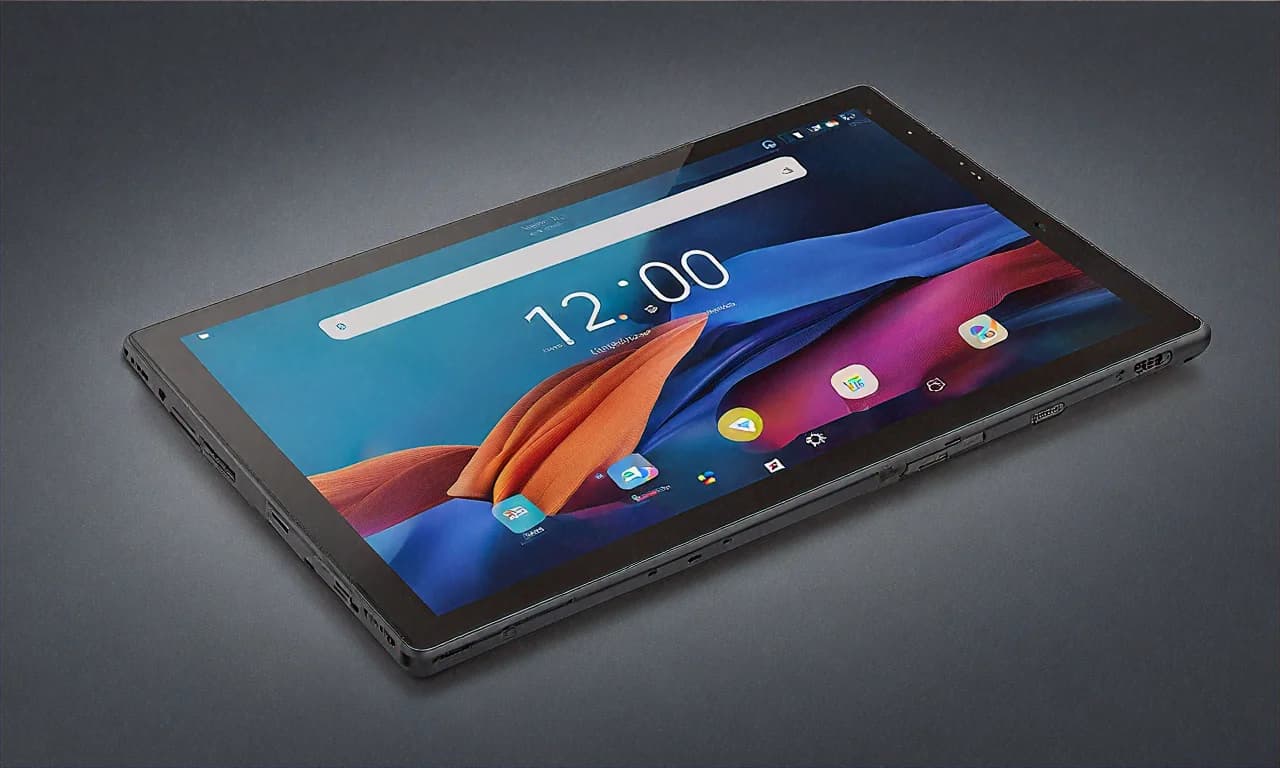
Let's start with the screen because that's literally the first thing you notice. 11 inches. At under Rs 17,000. Think about that for a second. Two years ago, an 11-inch Samsung tablet would have cost you at least Rs 25,000-30,000. The resolution is 1920 x 1200, which is Full HD+, and honestly? It's perfectly fine. I know some people online will complain that it's a TFT LCD and not AMOLED, and to those people I say — bhai, it's seventeen thousand rupees. What were you expecting, an OLED panel with HDR10+?
The 90Hz refresh rate though. That surprised me. I wasn't expecting Samsung to put 90Hz on a tablet at this price. Scrolling through Instagram and Chrome feels noticeably smoother than the 60Hz panels you get on competing budget tablets from Lenovo and others. Is it 120Hz? No. Can you tell the difference between 90Hz and 120Hz on a TFT panel? Honestly, most people can't. The 400 nits brightness is adequate for indoor use. I wouldn't take this to Marina Beach in Chennai and try to read under direct sunlight — you'll struggle. But in your bedroom, living room, even on a balcony in the evening, it's perfectly visible.
I've been watching a lot of IPL highlights on this thing (don't judge me, the highlights are sometimes better than the full match), and the screen handles fast-moving content without too much blur. Colors are a bit muted compared to my Samsung Galaxy S23, obviously, but for YouTube, Hotstar, and Netflix, the viewing experience is honestly enjoyable. You forget you're using a budget tablet after about ten minutes.
Those Quad Speakers Though — Seriously Impressive
If there's one feature that makes the Tab A9+ punch way above its price, it's the speakers. Quad speakers with Dolby Atmos on a budget tablet. I'm not being dramatic when I say these are probably the best speakers you'll find on any tablet under Rs 20,000 in India right now. Maybe even under Rs 25,000.
I first noticed it when I was watching a movie on Netflix without earphones — something I'd never do on my phone because phone speakers are garbage — and the sound actually filled my room. There's a sense of stereo separation that you just don't get on dual-speaker setups. The Dolby Atmos tuning adds a bit of width to the soundstage, and while it's not going to replace your JBL portable speaker, it's truly good enough that you can watch movies, attend video calls, and listen to casual music without needing headphones.
My mother, who isn't a tech person at all, actually commented that "this tablet has nice sound" while I was playing a Kishore Kumar playlist on Spotify. Coming from someone who thinks all gadgets sound the same, that's high praise. For families where multiple people might watch content on the tablet — kids watching cartoons, parents watching news, grandparents watching devotional content — these speakers make a real difference.
Performance — The Snapdragon 695 Does Its Job
The Qualcomm Snapdragon 695 isn't a new chip. It's been around. You've seen it in the Redmi Note 12 Pro, the Samsung Galaxy A34, and a bunch of other mid-range phones. And that's actually a good thing because it means it's proven, stable, and well-optimized. With 4GB of RAM, the Tab A9+ handles everyday tasks without drama.
Here's what my typical day looks like on this tablet: I open Chrome with 6-8 tabs (news sites, Amazon deals I'm tracking, a couple of blog posts I'm reading), switch to WhatsApp Web, check Instagram for a bit, then open YouTube or Hotstar. All of this works smoothly. Apps stay in memory, switching is fast enough, and I haven't experienced any random restarts or freezes in four weeks of use.
Now, gaming. Let me be real with you. If your kid wants to play BGMI or Genshin Impact on high settings, this isn't the tablet for that. The Snapdragon 695 can handle casual games like Subway Surfers, Candy Crush, Temple Run — all those are buttery smooth. Even slightly more demanding games like Asphalt 9 run at medium settings without too many frame drops. But heavy games will push this chip to its limits. If gaming is the primary use case, you should look at the OnePlus Pad or the Xiaomi Pad 7 instead. For everything else — studying, entertainment, video calls, browsing — the 695 is more than enough.
The 64GB storage is where Samsung gets a bit stingy. In 2025, 64GB feels tight, especially if you plan to download Netflix shows offline or install a lot of apps. But — and this is important — there's a microSD card slot that supports up to 1TB. A 128GB microSD card costs around Rs 800-900 on Amazon. Buy one immediately when you get this tablet. Problem solved. I wish Samsung had offered a 128GB variant at maybe Rs 18,999 or something, but at least the expandable storage option exists.
Software — One UI for Tablets Is Actually Pretty Good
I'll admit something. I used to think Samsung's One UI was bloated and heavy. And on older Samsung phones, it kind of was. But One UI 6 on Android 14 on the Tab A9+ is... actually nice? Samsung has done a lot of work optimizing their tablet interface over the last couple of years, and it shows.
Split-screen multitasking works well. You can have YouTube playing on one side and take notes on the other. The floating window feature lets you keep WhatsApp or Calculator hovering over whatever else you're doing. Samsung Kids mode is genuinely useful if you're buying this for your children — you can set time limits, restrict apps, and create a safe environment. My cousin's daughter would be using this primarily for Khan Academy and Byju's, so the parental controls are a big plus.
Samsung Knox is built in, which is their enterprise-grade security platform. For most home users, you won't even notice it's there, but it adds an extra layer of protection that's reassuring. And here's what really matters for a budget device — Samsung has committed to two years of OS updates and four years of security patches. That means this Rs 16,999 tablet will be getting security updates until 2029. Try getting that commitment from Realme or Xiaomi on a budget device. You won't.
There's some pre-installed bloatware. Samsung pushes their own apps (Samsung Internet, Galaxy Store, Samsung Health) and there are a few partner apps that you'll want to uninstall immediately. It took me about ten minutes to clean things up. Mildly annoying, but not a dealbreaker by any measure.
Build Quality and Design — It Feels More Expensive Than It Is
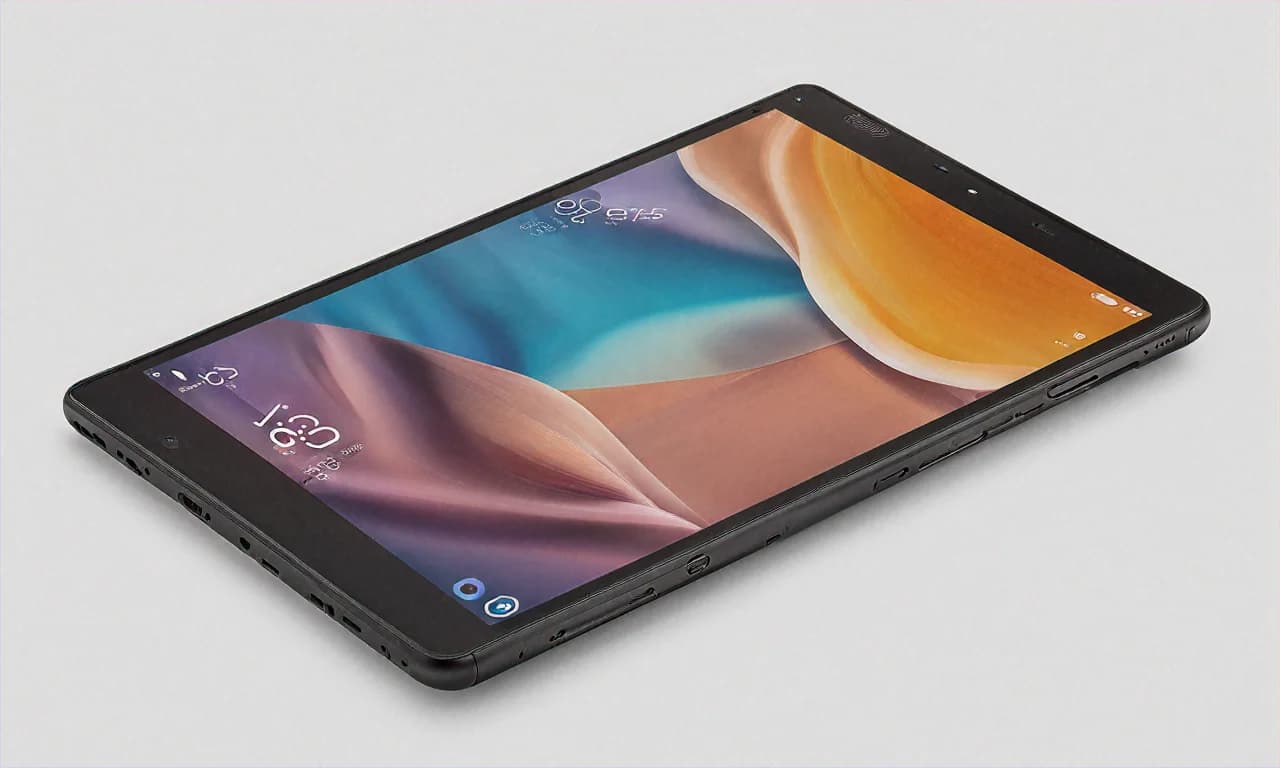
The metal back panel is a nice touch at this price. A lot of budget tablets from other brands give you plastic backs that feel cheap and pick up scratches within a week. The Tab A9+ has an aluminium rear that gives it a more solid, premium feel. At 480 grams, it's light enough to hold in one hand while lying on the sofa, though I wouldn't recommend doing that for extended periods because your wrist will start complaining after about 30 minutes.
The bezels around the display are thicker than what you'd get on a premium tablet, but they're actually useful — they give you something to grip without accidentally touching the screen. I see this as a feature, not a flaw, especially for a device that kids will be handling. The USB-C port is at the bottom, power button and volume on the side. Standard stuff. No headphone jack, unfortunately, which is a shame for a budget device aimed at families. You'll need a USB-C to 3.5mm adapter or Bluetooth earphones.
Camera — Let's Be Realistic
There's an 8MP rear camera and a 5MP front camera. The rear camera takes passable photos in good light. It's there for scanning documents, taking quick pictures of notes, maybe snapping a photo of a recipe. Please don't buy a tablet expecting good camera performance. Please. The front camera handles video calls on Zoom and Google Meet adequately — your face will be visible, the other person won't think you're calling from 2005, and that's about the best you can ask for on a budget tablet camera.
Battery Life — A Full Day, But Slow Charging
The 7,040mAh battery gives you a solid day of use. With my mixed usage — some browsing, some streaming, some YouTube, some WhatsApp — I consistently get about 8-9 hours of screen-on time. If you're doing lighter tasks like just reading or occasional browsing, you can stretch it to maybe 10-11 hours. For a student using this for online classes, it'll easily last through a full day of school without needing a charge.
The charging speed, however, is disappointing. 15W charging on a 7,040mAh battery means you're looking at about 2.5 to 3 hours for a full charge from zero. In 2025, when even phones in this price range come with 33W or 45W charging, 15W on a tablet feels lazy. My advice — charge it overnight and you won't have to think about it during the day. It's not a dealbreaker, but it's the one area where Samsung clearly cut costs, and you feel it.
The Amazon Deal — Let Me Break Down the Numbers
Alright, let's talk about why this specific deal is worth your attention right now. The MRP is Rs 22,999. Amazon has it at Rs 16,999. That's a straight Rs 6,000 discount — 26% off. Not bad. But it gets better.
If you have an HDFC Bank card and opt for EMI, you get an additional Rs 1,000 instant discount. That brings it down to Rs 15,999. Amazon Pay ICICI card users get 5% unlimited cashback, which is another Rs 850 back in your account. So your effective price could be as low as Rs 15,149 if you play your cards right. Literally.
The exchange offer is where things get really interesting. Amazon is offering up to Rs 10,350 on old tablets, and even old phones qualify for exchange. If you have an old Samsung tablet lying in a drawer — maybe a Tab A7 or even an older Tab A8 — you could get Rs 5,000-7,000 for it on exchange. That could bring your effective price below Rs 10,000 for a brand new Samsung tablet. That's Diwali-sale-level pricing happening right now in March.
No-cost EMI is available starting at Rs 2,834 per month for 6 months. For a college student or a young professional who doesn't want to pay the full amount upfront, this makes the tablet very accessible. You're essentially paying less than the cost of a monthly Zomato Gold subscription spread over six months, and you get a Samsung tablet at the end of it.
Who Should Buy This — And Who Shouldn't
Buy the Samsung Galaxy Tab A9+ if you're a student who needs a tablet for online classes, note-taking, and studying. Buy it if you're a parent looking for a reliable entertainment and education device for your kids. Buy it if you want a couch-surfing companion for Netflix, YouTube, and casual browsing. Buy it if you value software updates and long-term support over raw specs. Buy it if you trust Samsung as a brand — and in India, there's good reason to, because their after-sales service network is massive. You'll find Samsung service centers in Tier 2 and Tier 3 cities where other brands don't even have presence.
Don't buy this if gaming is your primary use case. Don't buy this if you need a productivity machine for heavy multitasking with 8GB RAM. Don't buy this if you're a content creator who needs a high-resolution display with wide color gamut support. And don't buy this if slow charging is going to bother you every single day.
My Final Verdict After Four Weeks
I finally shipped the tablet to my cousin in Lucknow last weekend. His daughter apparently hasn't put it down since. She's using it for school stuff during the day and watching anime on it at night. My cousin messaged me saying "bhai, pehle TV dekhti thi, ab tablet nahi chodti" — which roughly translates to "she's gone from being glued to the TV to being glued to the tablet." I'm not sure that's an improvement in parenting terms, but as a tech recommendation, I'll take it as a win.
At Rs 16,999 with the Amazon discount, the Samsung Galaxy Tab A9+ is the most sensible budget tablet purchase you can make in India right now. It doesn't try to be something it's not. It won't blow your mind with specs. But it does everything a budget tablet should do — and does it reliably, with good speakers, a big screen, and the backing of Samsung's software support. Sometimes that's exactly what you need. Not everything has to be exciting. Sometimes "it just works" is the best review a product can get.