The OnePlus Pad 2 Made Me Question Why I Ever Considered an iPad
Okay, that headline is slightly clickbait-y. I'll admit it. But hear me out — because after using the OnePlus Pad 2 for about a month, I really believe this is the tablet that most Android users in India should be buying right now. Especially at Rs 31,999 on Amazon (down from Rs 37,999). Not the Samsung. Not the Xiaomi. This one.
I know that's a bold claim. OnePlus is only on their second tablet. Samsung has been making tablets for over a decade. Apple basically invented the modern tablet. But what OnePlus has done with the Pad 2 is take the absolute best mobile processor available — the Snapdragon 8 Gen 3 — put it in a tablet with a massive 12.1-inch display, slap on 67W fast charging that no other tablet in India can match, and price it under Rs 32,000. That's either confidence or madness. Having used it, I'm going with confidence.
Let me walk you through my experience.
The Display — Big, Sharp, and Surprisingly Versatile
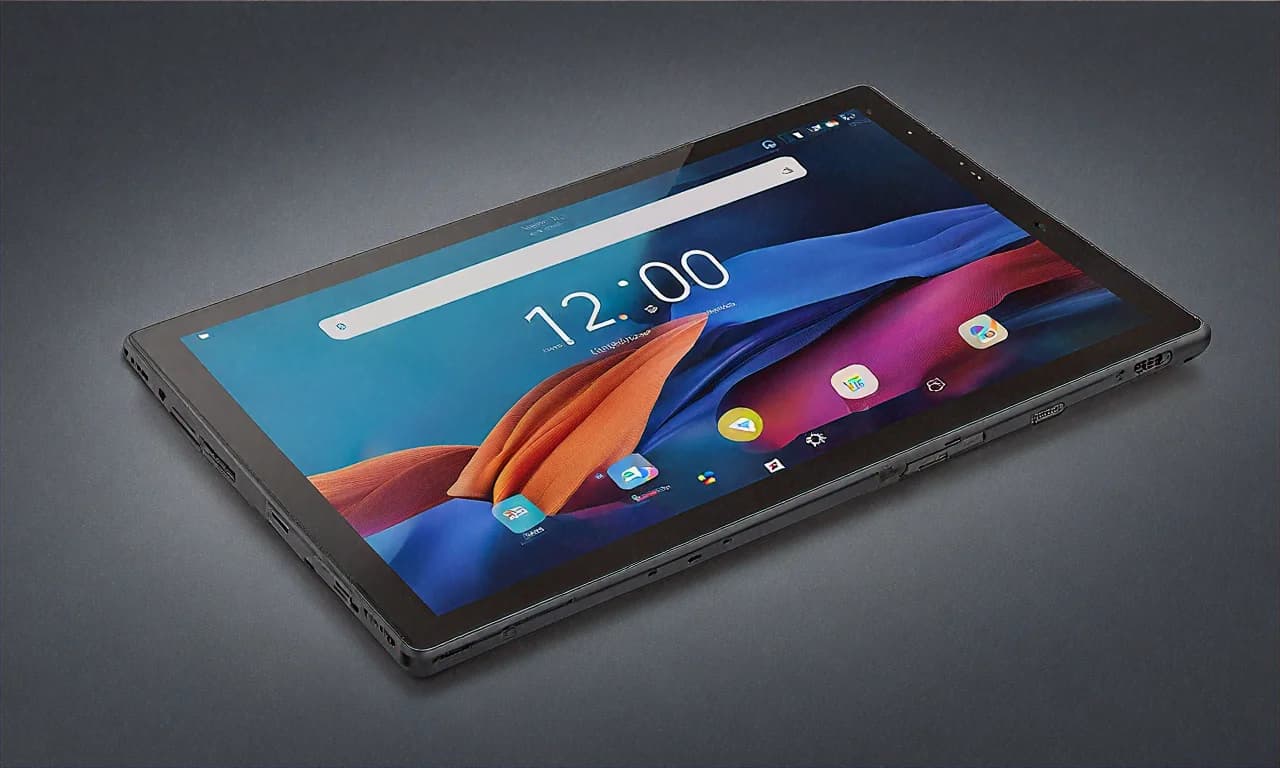
Twelve-point-one inches. That's big. Bigger than most laptops I used in college. When I first unboxed the OnePlus Pad 2, the display was the first thing that grabbed my attention, and honestly, it hasn't stopped grabbing my attention since.
The specs: 3000 x 2120 resolution (that's what they call 3K), 144Hz refresh rate, 900 nits peak brightness, Dolby Vision support. On paper, impressive. In practice? Even more so.
The 7:5 aspect ratio is the real standout feature here, and it's something most people overlook. Most tablets use 16:10 or 16:9, which is great for watching movies but awkward for everything else — reading, document editing, web browsing, split-screen multitasking. The 7:5 ratio gives you more vertical space, which means you see more of a webpage without scrolling, more of a document without zooming, and more of your notes while still having room for a reference app on the side.
I spent a weekend reading a PDF textbook on this (I'm doing an online certification course — don't ask which one, I'll feel old) and the 7:5 ratio meant I could see nearly a full page without zooming in. On my old 16:10 tablet, I'd to constantly pinch-zoom to read the same content. Small thing? Maybe. But it makes a massive difference over hours of reading.
The 144Hz refresh rate is butter smooth. I mean honestly smooth. Scrolling through Twitter (I refuse to call it X), swiping between home screens, navigating through apps — everything flows. Going from 144Hz back to my 60Hz Kindle Fire is physically painful. You get spoiled fast.
Brightness at 900 nits is solid for an IPS LCD. I used this outdoors at a coffee shop in Indiranagar (Bangalore folks will know the area — overpriced coffee, good Wi-Fi) and the screen was perfectly readable even in the afternoon sun. Not AMOLED-level contrast, mind you. The blacks are grey-ish if you look critically. But for the vast majority of content — web pages, documents, YouTube, Netflix — the display is excellent.
But Wait — No OLED? In 2025?
Yeah, this is the one spec where the OnePlus Pad 2 falls short of the competition. At Rs 32,000, some people will rightfully ask why OnePlus didn't use an AMOLED panel. The Samsung Galaxy Tab S6 Lite from a few years ago had an AMOLED screen. The iPad Pro has tandem OLED. Even some of the newer Chinese tablets at this price point are shipping with OLED.
I think OnePlus made a deliberate trade-off here. They put the money into the processor (Snapdragon 8 Gen 3 is expensive) and the charging system (67W requires a more advanced battery management system) rather than the display panel. Is it the right trade-off? Depends on what you value more. If display quality is your absolute number one priority — OLED blacks, infinite contrast, HDR that makes you go "wow" — then maybe the Samsung or the iPad is better for you. But if you want the best overall performance package, the OnePlus Pad 2's IPS LCD is a trade-off I can live with.
Snapdragon 8 Gen 3 — This Tablet Is Faster Than My Laptop
No, seriously. I ran Geekbench on the OnePlus Pad 2 and then on my two-year-old Lenovo IdeaPad with an Intel i5. The tablet won. Multi-core score, single-core score, GPU score — the Snapdragon 8 Gen 3 demolished the laptop processor across the board. That's genuinely insane.
In real-world usage, this means the OnePlus Pad 2 is the snappiest Android tablet I've ever used. Apps open instantly. Not "quickly" — instantly. Tap Chrome, it's there. Tap Instagram, it's there. Switch between five open apps, zero lag. Zero. I've used the Samsung Galaxy Tab S9 FE and the Xiaomi Pad 7, and while both are perfectly usable tablets, neither comes close to the raw speed of the Pad 2.
Gaming is where the Snapdragon 8 Gen 3 really flexes. I played Genshin Impact at max settings — highest graphics, 60fps target — and the Pad 2 held a steady 55-60fps throughout. On the 12.1-inch display with those six Dolby Atmos speakers firing, it's an incredible gaming experience. BGMI at extreme frame rate and HDR quality? Smooth as butter. Call of Duty Mobile at max graphics? No problem.
If you're a gamer who wants a tablet primarily for gaming, let me be direct: the OnePlus Pad 2 is the best gaming tablet under Rs 50,000 in India. Nothing else comes close at this price.
The 8GB of LPDDR5X RAM is adequate. I'd have preferred 12GB for future-proofing, but in my month of usage, I haven't hit a situation where 8GB felt limiting. Android's memory management has gotten good enough that even with 10-12 apps in the background, the Pad 2 doesn't kill them. The 256GB UFS 3.1 storage is fast and generous — I've installed about 30 apps, a few large games, and downloaded a bunch of movies and shows, and I still have over 150GB free.
The Six-Speaker Setup — Surprisingly Great
The OnePlus Pad 2 has six speakers. Six. Most tablets at this price have two, maybe four. These six speakers support Dolby Atmos and they sound... honestly really good? I wasn't expecting much because OnePlus isn't exactly known for audio quality, but these speakers produce room-filling sound that's clear, has decent bass, and creates a genuine stereo separation effect when you're watching content.
I watched the IPL match on Hotstar using the tablet's speakers and my roommate from across the room asked me to turn it down because it was loud enough to disturb his call. From a tablet. That's not something that happens with most tablet speakers.
For casual music listening, the speakers are a solid 7/10. For movies and shows, they're an 8/10. For gaming, with Dolby Atmos spatial audio, they're truly impressive. Still not as good as proper external speakers or decent headphones, obviously, but for a device you're holding in your hands? Excellent.
67W SUPERVOOC — The Feature That Ruins Other Tablets for You
Let me tell you a story. Last week, I forgot to charge the OnePlus Pad 2 overnight. Woke up, saw it at 12%, mild panic. Plugged it in while I made chai and got ready. By the time I was done — about 40 minutes — it was at 73%. Grabbed it and headed out. Lasted the rest of the day easily.
That's 67W SUPERVOOC charging in action. Zero to 100% in about 81 minutes. Zero to 50% in about 35 minutes. In a world where the Samsung Tab S9 FE takes THREE HOURS to fully charge and the iPad Pro takes about 90 minutes with a separate 30W charger (that Apple doesn't include in the box, of course), the OnePlus Pad 2's charging speed is a legitimate advantage that affects your daily life.
The 9,510mAh battery itself is huge. On a typical day — mix of browsing, some video streaming, a bit of gaming, video calls — I'm getting about 9-10 hours of screen-on time. On light days with mostly reading and browsing, I've pushed it to 12+ hours. For a tablet with this level of performance, that's excellent battery life.
OnePlus includes the 67W charger in the box. Thank you, OnePlus. Thank you for not pulling an Apple and making me buy the charger separately. The charger is compact enough that I just keep it in my bag alongside my phone charger.
OxygenOS on Tablet — Getting Better, But Still Catching Up
This is where I need to be honest. OxygenOS 14 on the OnePlus Pad 2 is fine. It works. But it's not as refined as Samsung's One UI for tablets, and it's certainly not as polished as iPadOS.
The basics are all there. Split-screen multitasking works. Floating windows work. The Open Canvas feature (OnePlus's version of expanded multitasking) lets you drag and drop content between apps. The settings are clean and logical. No major bugs or crashes in my month of use.
But there are small annoyances. Some apps don't scale properly to the tablet's aspect ratio — you get black bars on the sides or weirdly stretched interfaces. This is partly an Android problem, not just a OnePlus problem, but Samsung handles app scaling better. The notification panel feels designed for phones, not tablets. And the always-on display feature is missing, which seems like an odd omission.
OnePlus has promised three years of OS updates and four years of security patches. That's decent but behind Samsung's four-plus-five commitment. For a Rs 32,000 tablet, I'd have liked to see Samsung-matching software support.
That said, the day-to-day experience of using OxygenOS is smooth and fast. It doesn't get in the way, which is the most important thing a software skin can do. And knowing OnePlus's track record of improving their tablet software with updates (the first OnePlus Pad got significantly better over its first year), I expect OxygenOS on the Pad 2 to improve further.
No Stylus Included — And the OnePlus Stylo Is Expensive
If note-taking with a stylus is important to you, be aware: the OnePlus Pad 2 doesn't include a stylus. The OnePlus Stylo 2 is sold separately and costs about Rs 5,499. It's a decent stylus — good pressure sensitivity, low latency, magnetic attachment to the tablet — but it adds significantly to the total cost.
At Rs 31,999 + Rs 5,499 = Rs 37,498, you're in iPad territory, and the Apple Pencil is a better stylus. You're also close to the Samsung Galaxy Tab S9 FE which includes the S Pen for free. If note-taking is a primary use case, the Samsung might actually be the better value despite having a weaker processor.
If you don't need a stylus? The OnePlus Pad 2 is the clear winner on performance and charging. Just being transparent about the trade-offs.
The Camera Is... There
13MP rear camera. 8MP front camera. Both are mediocre. The rear camera takes acceptable photos in good lighting — fine for scanning documents and whiteboard notes. The front camera is adequate for video calls on Zoom and Google Meet. Neither camera will make you want to use this tablet as a photography device, and that's perfectly normal for a tablet.
The video call quality specifically: it's clear enough. Not amazing, not terrible. Good lighting in a room helps a lot. If you're doing work presentations over video call, the quality is professional enough that nobody will comment on it. My colleagues on our Monday standup call didn't notice I'd switched from my laptop to the tablet.
Breaking Down the Amazon Deal
Let's get into the numbers. The OnePlus Pad 2 is listed at Rs 37,999 MRP. Amazon India currently has it at Rs 31,999. That's Rs 6,000 off — a 16% discount. Not the biggest percentage discount you'll see, but for a tablet that's only been out for a few months, it's a meaningful price drop.
Here's how to maximize your savings:
- HDFC Bank card on EMI: Rs 1,500 additional instant discount. Best bank offer available right now. If you have an HDFC card, absolutely use it. Effective price: Rs 30,499.
- Amazon Pay ICICI card: 5% unlimited cashback. On Rs 31,999, that's about Rs 1,600 back. Not instant, but it adds up in your Amazon Pay balance.
- No-cost EMI: Up to 12 months at Rs 2,667/month. Very doable for most working professionals. Even students with a part-time income or supportive parents can swing this.
- Exchange offers: Amazon offers up to Rs 12,000 for old tablets, depending on condition. If you have an old iPad or Android tablet collecting dust, this could bring the effective price under Rs 20,000.
I compared prices at Croma (Rs 35,999), Reliance Digital (Rs 36,999), and the OnePlus website (Rs 37,999). Amazon's deal with bank stacking is the clear winner by a wide margin. Even if you don't have an HDFC card, the base price of Rs 31,999 on Amazon is still the cheapest I've found.
One thing to note: during the Republic Day sale in January, I saw the Pad 2 briefly hit Rs 29,999 on Amazon, but it sold out within hours. If you're willing to wait for the next major sale event (probably Holi or summer sale), you might save another Rs 2,000-3,000. But at Rs 31,999, you're already getting strong value.
So Who Wins — OnePlus Pad 2 vs Samsung Tab S9 FE vs Xiaomi Pad 7?
Quick comparison because I know you're thinking about it:
- Best raw performance: OnePlus Pad 2 (Snapdragon 8 Gen 3 destroys everything else in this range)
- Best for note-taking: Samsung Tab S9 FE (S Pen included)
- Best display per rupee: Xiaomi Pad 7 (3.2K display at Rs 20,000)
- Best charging: OnePlus Pad 2 (67W, nothing else is even close)
- Best software support: Samsung Tab S9 FE (4+5 years)
- Best for gaming: OnePlus Pad 2 (not even a contest)
- Best for families: Samsung Tab S9 FE (Kids mode, IP68, S Pen)
My recommendation: if performance and charging speed matter most to you — and especially if you game on your tablet — the OnePlus Pad 2 is the obvious pick. If you need the S Pen and long software support, go Samsung. If you're on a tight budget, the Xiaomi Pad 7 punches absurdly above its weight at Rs 20,000.
For me personally, as someone who uses a tablet primarily for media consumption, light gaming, and browsing, the OnePlus Pad 2 has been the most satisfying Android tablet I've used. The combination of that flagship processor, the huge display, the incredible charging speed, and those six speakers creates an experience that just feels premium in a way that the Samsung and Xiaomi tablets don't quite match. Yes, it costs Rs 2,000 more than the Samsung and Rs 12,000 more than the Xiaomi. But if your budget allows it, those extra rupees buy you a actually better experience.
At Rs 31,999 with the HDFC discount bringing it to Rs 30,499 on EMI — that's the sweet spot. I'd buy it at this price without hesitation, and I think you should strongly consider it too.