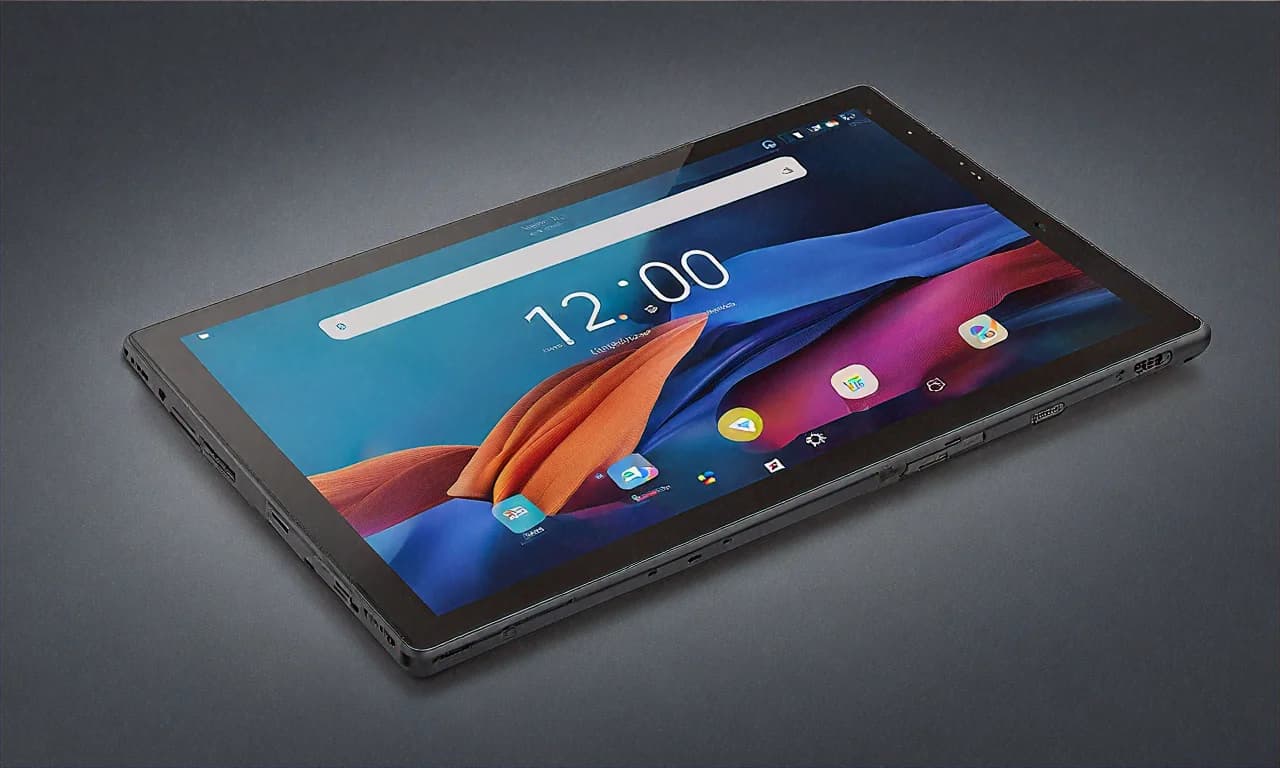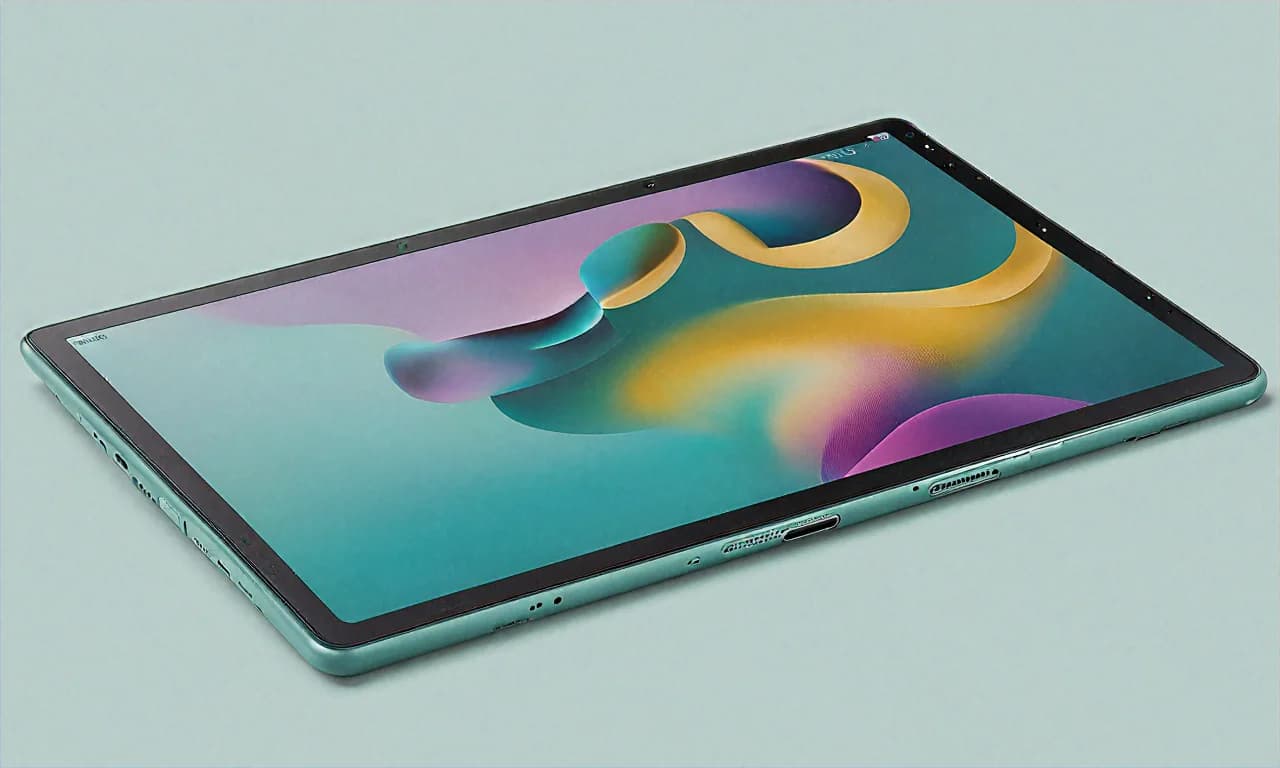
I Bought My Mom the Samsung Galaxy Tab S9 FE — Here's What Happened
My mom has been asking for a tablet for months. She wanted something for video calls with my sister in Pune, watching serials on Disney+ Hotstar, and occasionally reading recipes while cooking. She didn't want an iPad — "too expensive, and I won't understand it" — and she didn't want anything cheap that would slow down in six months. The Samsung Galaxy Tab S9 FE at Rs 29,999 on Flipkart seemed perfect. So I bought it during the last sale, set it up for her, and I've been stealing it from her regularly enough to write this detailed review.
Spoiler: she loves it. But there are things I wish Samsung had done differently.
Why the Tab S9 FE Over Everything Else?
At Rs 29,999 (down from Rs 44,999 — a flat Rs 15,000 off), the Tab S9 FE sits in a really interesting spot. It's cheaper than the OnePlus Pad 2, way cheaper than any iPad, and yet it comes with features you usually see only on more expensive tablets. IP68 water and dust resistance. An S Pen in the box. Samsung's excellent software support with four years of OS updates and five years of security patches. Expandable storage up to 1TB.
When you list all that out, it's hard to find another tablet at this price that ticks so many boxes. The OnePlus Pad 2 has a better processor, sure, but no IP rating and no stylus. The Xiaomi Pad 7 has a sharper display but also no water resistance and no stylus. The iPad 10th Gen? Nearly Rs 35,000 and you still need to buy the Apple Pencil separately for Rs 8,000+.
Samsung basically went and made a tablet that covers all the bases at a price that doesn't make you wince. That's why I picked it, and I think that's why it's been selling so well in India.
The Display — Good But Not Great, and That's Okay
Let me start with the one area where the Tab S9 FE makes a clear compromise. The 10.9-inch TFT LCD display. Not AMOLED. Not even the "upgraded" AMOLED that Samsung puts on the regular Tab S9. This is a TFT panel, and you can tell the difference if you've used a Samsung phone with an AMOLED screen.
Now, is it bad? No. Not at all. The resolution is 2304 x 1440, which is honestly sharp. Text looks crisp, photos look detailed, and watching movies on Netflix or Amazon Prime Video is a pleasant experience. The 90Hz refresh rate makes scrolling noticeably smoother than the 60Hz panels on cheaper tablets. Colours are decent — not Samsung AMOLED-level punchy, but perfectly fine for 99% of people.
The issue is with deep blacks and contrast. On an AMOLED screen, black areas of the display are truly black because those pixels are turned off. On this TFT panel, blacks look more like a very dark grey, especially noticeable when watching movies in a dark room. If you're watching a horror movie or a dark scene in a Netflix series, you'll notice the backlight bleeding through. It's not terrible, but it's there.
For my mom, who mostly watches Tamil serials and cooking videos on YouTube? She hasn't noticed or complained once. For someone who's used to an AMOLED phone and is particular about display quality? You might find it a step down. Just setting expectations here.
The brightness peaks at around 400 nits, which is adequate for indoor use but struggles a bit in direct sunlight. Using this on the balcony on a bright Chennai afternoon? Forget about it. The screen washes out. Keep it indoors or in shade and you'll be fine.
IP68 Water Resistance — More Useful Than You'd Think
I honestly thought the IP68 rating was a gimmick before I saw how my mom uses this tablet. She props it up on the kitchen counter while cooking, and the number of times sauce has splattered on the screen or she's handled it with wet hands is... a lot. With most tablets, I'd be nervous. With the Tab S9 FE, I just don't worry about it. It's a genuine peace-of-mind feature.
The S Pen is also IP68 rated and works on the wet screen, which Samsung proudly advertises. I tried it. It works. Is it a feature I'd use regularly? Probably not. But knowing the tablet can handle water exposure without dying is truly reassuring, especially in a household with kids or in a kitchen environment.
I also tested it during the recent monsoon season — took it out on the covered porch while it was pouring outside. Some rain spray got on it. Zero issues. Try that with an iPad and tell me you're not sweating.
Performance — The Exynos 1380 Gets the Job Done
Okay, let's talk about the processor. The Samsung Exynos 1380 isn't going to win any benchmark competitions. It's a mid-range chip, and it performs like a mid-range chip. For everyday tasks — opening apps, browsing Chrome with 8-10 tabs, scrolling Instagram, watching YouTube, making video calls on WhatsApp — it's perfectly smooth. No complaints whatsoever.
The 6GB of RAM helps with multitasking. I regularly have Samsung Notes open in split-screen with Chrome, and switching between them is fluid. Loading times for apps are reasonable — not instant like on an iPad Pro, but you're waiting maybe an extra second or two. Honestly, unless you're coming from a flagship device, you won't notice.
Where the Exynos 1380 struggles is gaming. And I don't mean casual games — Candy Crush and Subway Surfers run fine. I mean graphically demanding games like Genshin Impact or Call of Duty Mobile. On medium settings, Genshin Impact runs at around 25-30 fps with occasional frame drops. On high settings, it becomes a slideshow. If gaming is a priority for you, look at the OnePlus Pad 2 with its Snapdragon 8 Gen 3 instead. The Tab S9 FE is just not built for that.
For everything else though? Streaming, productivity, note-taking, video calls, casual browsing — the performance is solid and I haven't experienced any crashes or slowdowns in the weeks I've been using it.
Samsung Software — Actually Good on Tablets
I used to be sceptical about Samsung's One UI. It was heavy, bloated, and slow on older devices. But One UI 6 on the Tab S9 FE is genuinely good. Samsung has clearly put work into tablet-specific optimizations.
The split-screen multitasking is better than what you get on stock Android tablets. You can run two apps side by side, add a floating window on top, and even create app pairs that launch two apps simultaneously with a single tap. I set up a pair for Samsung Notes + Chrome that opens both apps in split screen when I tap the shortcut. Extremely useful for research and note-taking.
Samsung DeX mode is available too, turning the tablet into a desktop-like interface with a taskbar, windowed apps, and proper window management. Pair it with a Bluetooth keyboard and mouse, and you have a surprisingly capable productivity setup. I wouldn't write my entire college thesis on it, but for answering emails, writing short documents, and managing spreadsheets, DeX works well.
Samsung Kids mode is a godsend for parents. You can set up a separate, restricted profile for children with curated apps and content, time limits, and usage reports. My brother-in-law uses this feature extensively for his 6-year-old, and he swears by it. "Better than buying a separate kids tablet," he says.
And the software support commitment? Four years of OS updates and five years of security patches. That means this tablet will get Android 18 at minimum. That's the kind of long-term support that makes a Rs 30,000 purchase feel like a smart investment rather than a temporary buy.
The S Pen — Samsung's Secret Weapon at This Price
Let me be very clear about this: the fact that Samsung includes the S Pen in the box at this price is a massive deal. Apple charges Rs 8,000+ for the cheapest Apple Pencil. OnePlus's stylus is sold separately. Xiaomi doesn't even have an officially supported stylus for the Pad 7.
The S Pen that comes with the Tab S9 FE isn't the fancy Bluetooth-enabled one from the Galaxy Tab S9 Ultra. It's a simpler, passive stylus. But it's precise, has good pressure sensitivity, and has very low latency. For handwriting notes in Samsung Notes, it feels natural and responsive. My handwriting recognition in both English and Hindi works well — not perfectly, but well enough for quick notes.
I've been using it to annotate PDFs for work. Open a contract or document in Samsung Notes, scribble your comments directly on the PDF, and share it back. It's a workflow that actually saves time compared to printing, marking up with a pen, scanning, and emailing back. If you're a student, this alone justifies the tablet. Taking handwritten notes in class, highlighting textbook PDFs, sketching diagrams — the S Pen handles all of it.
For digital art and sketching, it's decent but not professional-grade. If you're a serious artist, you'll want the iPad Pro with Apple Pencil Pro. But for casual sketching, doodling, and note-taking? The S Pen is more than sufficient. My niece uses it for her school art projects and she's perfectly happy with it.
The S Pen attaches magnetically to the back of the tablet for charging and storage. It's not the most secure attachment — I've had it fall off in my bag a couple of times — but it's convenient for keeping track of it.
128GB Storage and Expandable via MicroSD
The base model comes with 128GB of internal storage, which is plenty for most users. After the operating system and pre-installed apps, you get about 100GB of usable space. That's enough for a good number of apps, photos, downloaded shows for offline viewing, and documents.
But the real advantage here's the microSD card slot. You can expand storage up to 1TB with a microSD card. I popped in a 256GB SanDisk card I already had lying around and now I've more storage than I know what to do with. Downloaded my entire Netflix and Hotstar watchlist for a recent train journey from Delhi to Kolkata — no worries about running out of space. Try doing that on a base model iPad with 64GB and no expansion slot.
Battery Life and Charging — One Genuine Complaint
The 8,000mAh battery is generous and lasts a solid day and a half with moderate use. Heavy streaming days — say you're binge-watching a series — you'll get about 8-9 hours of continuous playback. Mixed use with browsing, some video calls, note-taking, and streaming easily gives you a full day without reaching for the charger.
My complaint? The charging speed. 15W. In 2025. For an 8,000mAh battery. This thing takes about 3 hours to charge from zero to full. THREE HOURS. That's legitimately frustrating when you forget to charge it overnight and need to head out in the morning. Samsung puts 25W charging in their budget phones but gives the Tab S9 FE only 15W? That's a baffling decision and honestly the biggest weakness of this tablet.
My workaround: I charge it overnight, every night, without fail. And I keep a USB-C cable at my desk for top-ups during the day. If Samsung had put even 25W charging on this, I'd have very few complaints about the Tab S9 FE overall.
Now About This Flipkart Deal — Breaking Down the Numbers
Let me get specific about the pricing because there are multiple ways to save here, and stacking them makes a real difference.
- Base price on Flipkart: Rs 29,999 (MRP Rs 44,999, so that's Rs 15,000 or 33% off)
- ICICI Bank credit card: Extra Rs 1,500 instant discount on EMI. This brings you to Rs 28,499.
- SBI debit card: 5% cashback up to Rs 1,000. Effective price around Rs 28,999.
- No-cost EMI: Up to 9 months. So you're paying Rs 3,333 per month with zero interest. Even a college student can manage that.
- Exchange offers: Flipkart is offering up to Rs 14,350 for old tablets. If you have an old iPad or Samsung Tab that you're not using anymore, this can bring the effective price down to under Rs 16,000. Under sixteen thousand rupees for an IP68 Samsung tablet with an S Pen. That's wild.
One tip: if you're planning to use the ICICI Bank offer, make sure you select the EMI option during checkout. The instant discount only applies on EMI transactions, not on full payment. I've seen people miss this and then complain on Twitter that the discount didn't work. Read the fine print, always.
Also, check Flipkart SuperCoins. If you've been shopping on Flipkart regularly, you might have accumulated a decent number of SuperCoins that can be redeemed for additional discounts. I'd about 500 coins which gave me another Rs 250 off. Every little bit helps.
Should You Buy It from Flipkart or a Retail Store?
I checked prices at Croma, Reliance Digital, and a local Samsung store in Koramangala (Bangalore). The offline prices were consistently higher — around Rs 34,999 to Rs 37,999 — with smaller bank discounts. Flipkart's Rs 29,999 deal with the stacked bank offers is clearly the best value right now. The only advantage of buying offline is that you can physically try the tablet before purchasing, but with Flipkart's 7-day return policy, you can do the same thing online with minimal risk.
Camera — It's There, Don't Expect Miracles
The 8MP rear camera is fine for document scanning and video calls. That's about it. Photo quality is mediocre — grainy in anything less than perfect lighting, washed-out colours, slow autofocus. But honestly, who buys a tablet for the camera? If you need to photograph something, use your phone.
The 12MP front camera is surprisingly decent though. Video calls on Zoom, Google Meet, and WhatsApp look clear and well-lit. The ultra-wide angle means it captures a wider field of view, so you don't have to hold the tablet at arm's length to fit your face in frame. My mom does video calls with relatives in Chennai and Madurai almost daily, and nobody has complained about video quality.
Who Is This Tablet Actually For?
After spending considerable time with the Tab S9 FE, I think its sweet spot is very clear:
Students: The S Pen for notes, long battery life for all-day classes, expandable storage for textbooks and PDFs, Samsung Notes app that's genuinely excellent for handwriting, and a price that's achievable with no-cost EMI. If I were in college right now, this is what I'd buy.
Parents and families: Samsung Kids mode, durable IP68 build that survives drops and spills, good speakers for entertainment, and a trusted brand with reliable software support. My mom, my brother-in-law's kid, my aunt — they all use or would benefit from this tablet.
Working professionals on a budget: Samsung DeX for a desktop-like experience, split-screen multitasking, S Pen for annotating documents, and a professional enough look for client presentations.
Not for: Gamers who want high-performance titles. Display snobs who need AMOLED blacks. People who want the fastest charging. Creative professionals who need pro-level stylus performance (get the iPad Pro instead).
At Rs 29,999 with the Flipkart deal — and potentially under Rs 28,500 with bank offers — the Samsung Galaxy Tab S9 FE is probably the most well-rounded tablet you can buy in India right now. It doesn't excel at any one thing, but it's good to excellent at almost everything. And sometimes, that all-rounder quality is exactly what you need.